 |
Studio / Enterprise | PFTrack Documentation | Available Support Resources |
Sending a log file
Ticketed support is available to Studio and Enterprise customers.
Sometimes we require a little help to diagnose any problems you may be having, and attaching a log file to your ticket can help us out. The log file is just information about how the application is running on your workstation. If you have any privacy concerns please refer to your End User License Agreement for further information.
1. You can attach a log to a user support request or a message thread by clicking the Attach Log button 
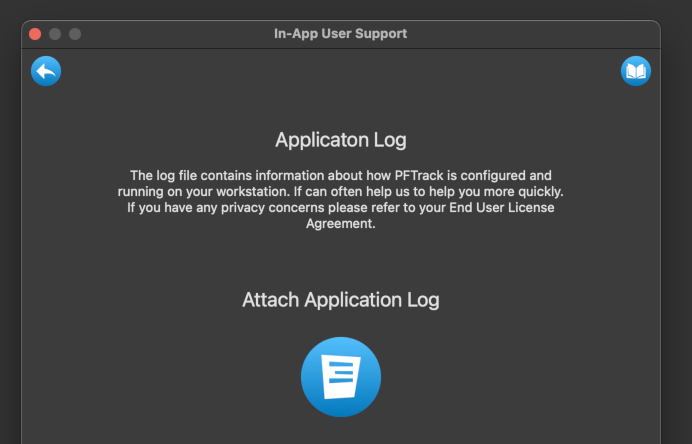
2. You can attach your log file automatically by clicking on the Log button 
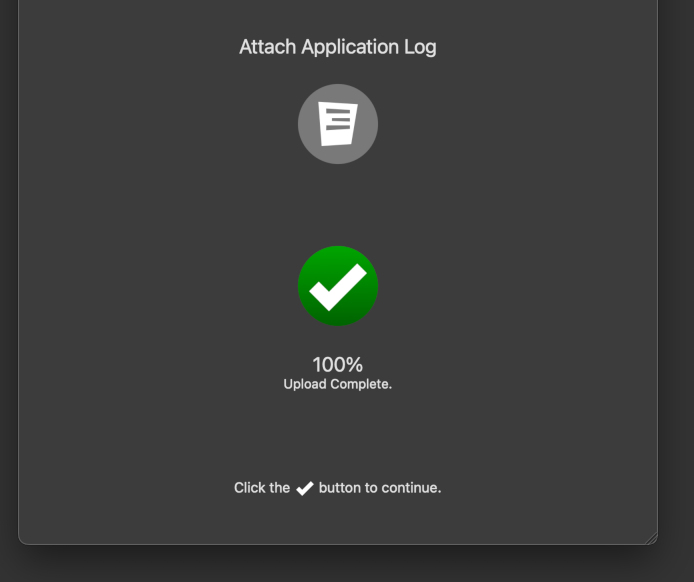
3. You will receive confirmation that your log file is attached. Click the Upload Complete button  to go back to your support ticket, and the log file will automatically be transferred to the support team and stored securely.