 |
Studio / Enterprise | PFTrack Documentation | Available Support Resources |
Replying to a ticket
Ticketed support is available to Studio and Enterprise customers.
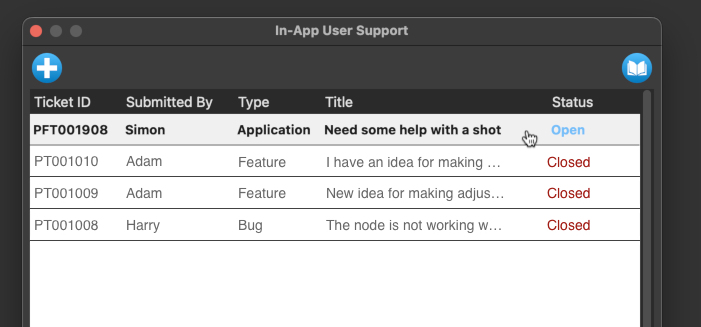
When a ticket is accepted, its status will change to 'Open', and you can reply to the ticket message thread by clicking on the ticket name in the list:
The entire message thread will be displayed, including the messages that you have submitted and the responses that you have received from the support team.
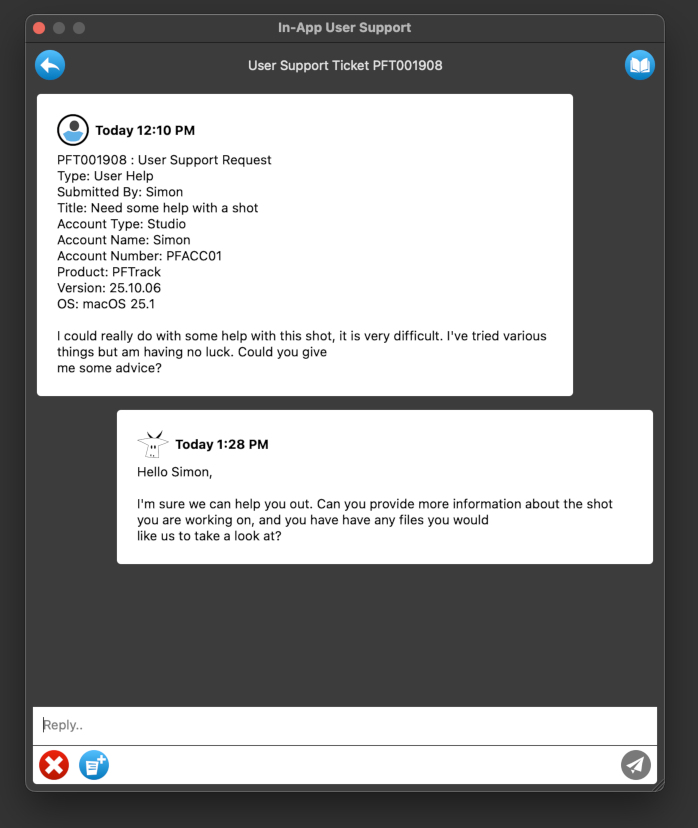
Reply to the message thread by clicking and typing in the Reply... box.
Once you have written your response, click the Send Message button  . If you want to close a ticket click the Close button
  button.