|
Solo / Studio | PFTrack Documentation | Available Support Resources |
AI Assistant
Asking questions | LanguagesOur online AI Assistant can be used to quickly analyse the PFTrack documentation for answers to specific questions. Open the AI Assistant window from the help menu.
Note: The AI assistant is only available with Solo and Studio editions.
Asking questions
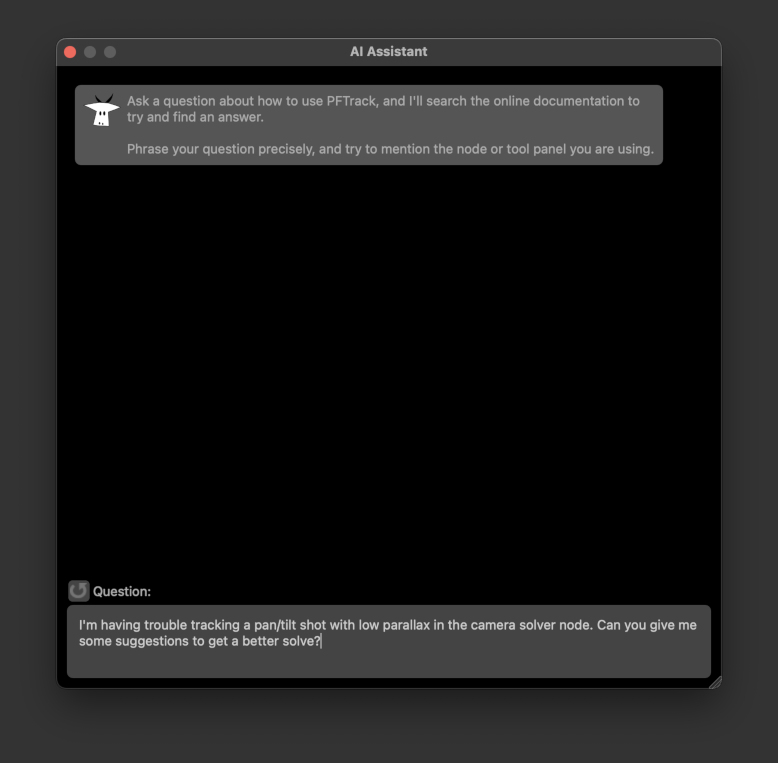
Ask a question by typing into the Question box at the bottom of the window. Try to phrase your question clearly, and mention the node or tool panel you are using:
The AI Assistant will search its knowledge base and try to find an answer, displaying the result in the window:
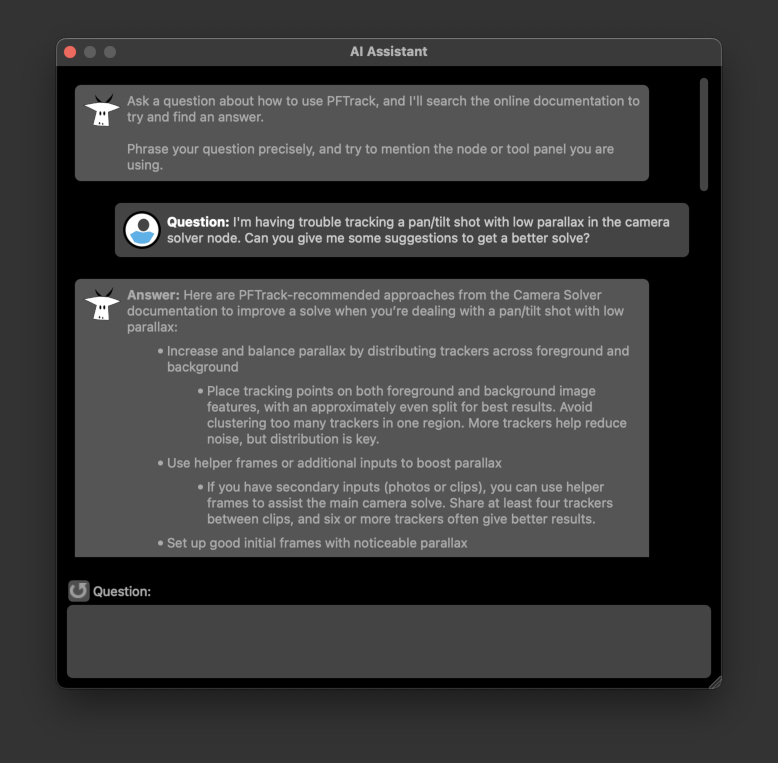
You can ask another related question if you need any further help or assistance. To reset the chat history and start over, click the Reset button  .
.
Right-click to display a popup menu to Select All and Copy into the desktop clipboard to paste into another window if required.
Languages
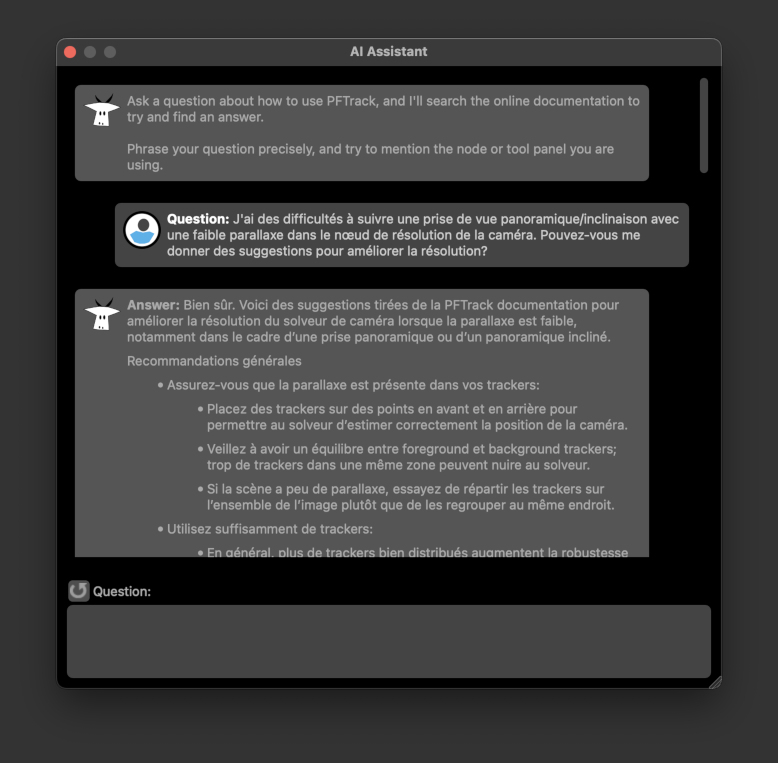
The assistant can understand many languages, so feel free to use whatever language you are most confortable with when asking questions.