 |
PFTrack Documentation | Workspace |
Notes Panel
The Notes Panel allows for relevant information to be added to any node selected on the Workpage, the node's group (if available), or the Workpage itself.
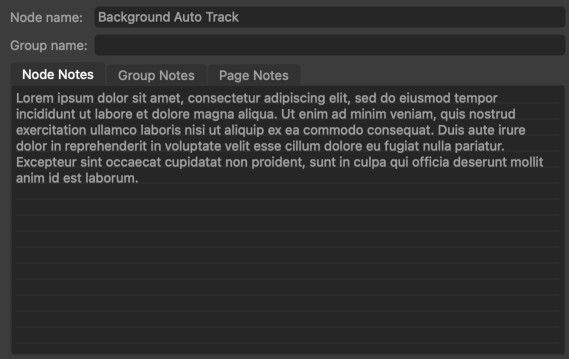
The notes panel contains name of the current node and the name of the group the node is in. The node or group can be renamed by editing these boxes if required.
The colour of the current node group can also be changed by clicking the button to the right of the Group name edit box.